
Paper Arch Studio
Explore a paper-arch image, then use light, spacing, and guides to create a downloadable graphic.
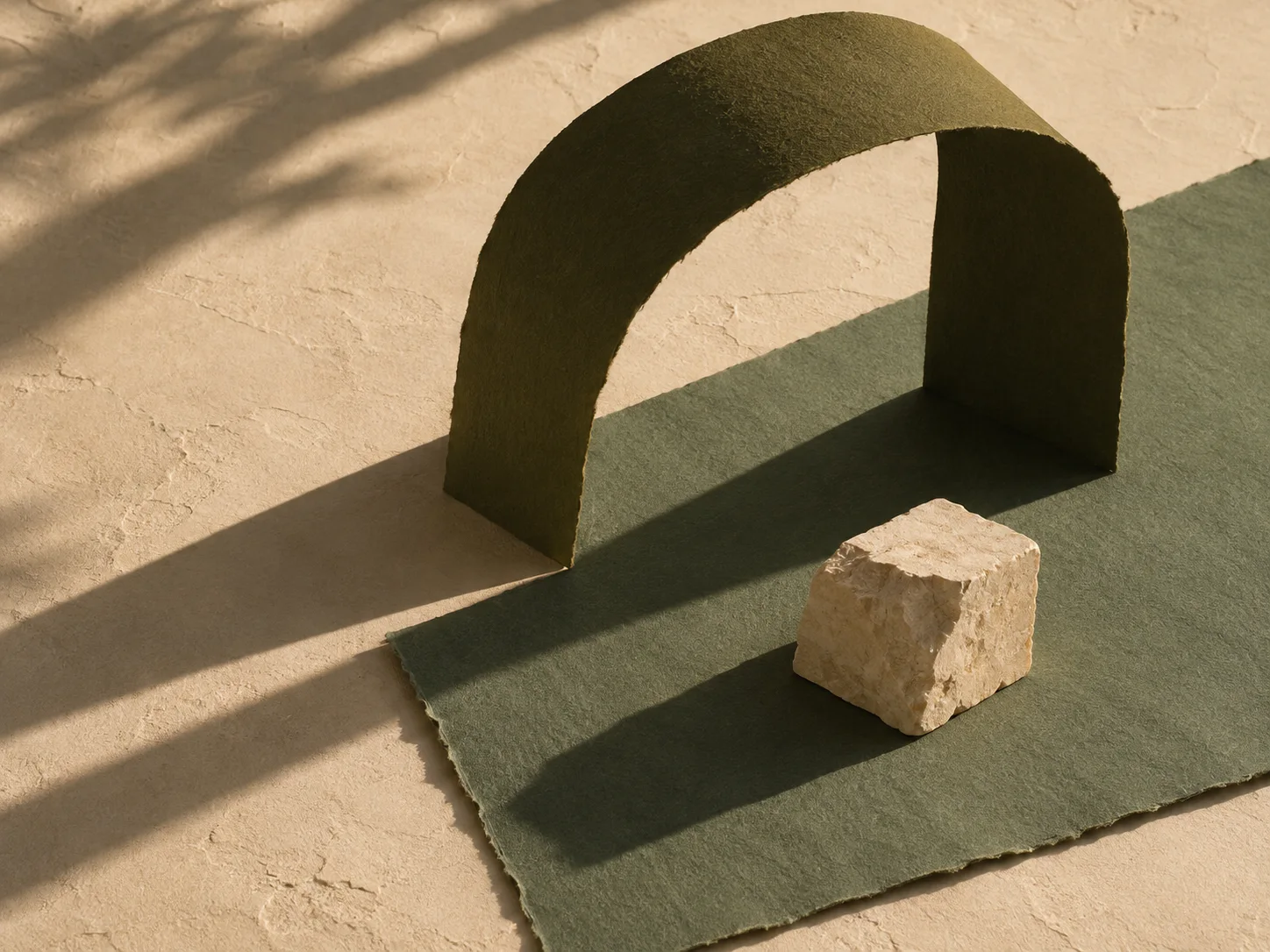
The brief
Build one portfolio project with a clear visitor journey. Start with an image, make its construction easy to see, then give visitors a way to turn what they discover into something they can keep.
Design decisions
- Compare in place
- The guide overlay shares the photo’s dimensions, so the original and its construction stay aligned as the image scales. Visitors can drag the divider or use the slider and its Photo and Guides buttons.
- Make each change visible
- Each study has one slider and a reset. The light slider rotates the source and shadow. The type slider changes the width of a fixed sample, making it easy to see where the same words wrap.
- Connect the studies to an outcome
- The light angle determines the direction of the printed shadow, column width sets the spacing of the arch lines, and the reveal controls how much of the construction grid appears.
Implementation
The page uses HTML for the content, CSS for the layout, and JavaScript to connect the controls to the drawing. The browser creates the PNG on your device from the print you see on screen.
The image, construction checkbox, and static samples stay available with JavaScript off. The interactive controls support keyboard and touch input.
The result
The studio produces a 1,200 × 1,440 pixel PNG with the selected light angle, column width, and guide reveal printed beneath the artwork.